Privacy & Security
How to Manage Push Notification Preferences
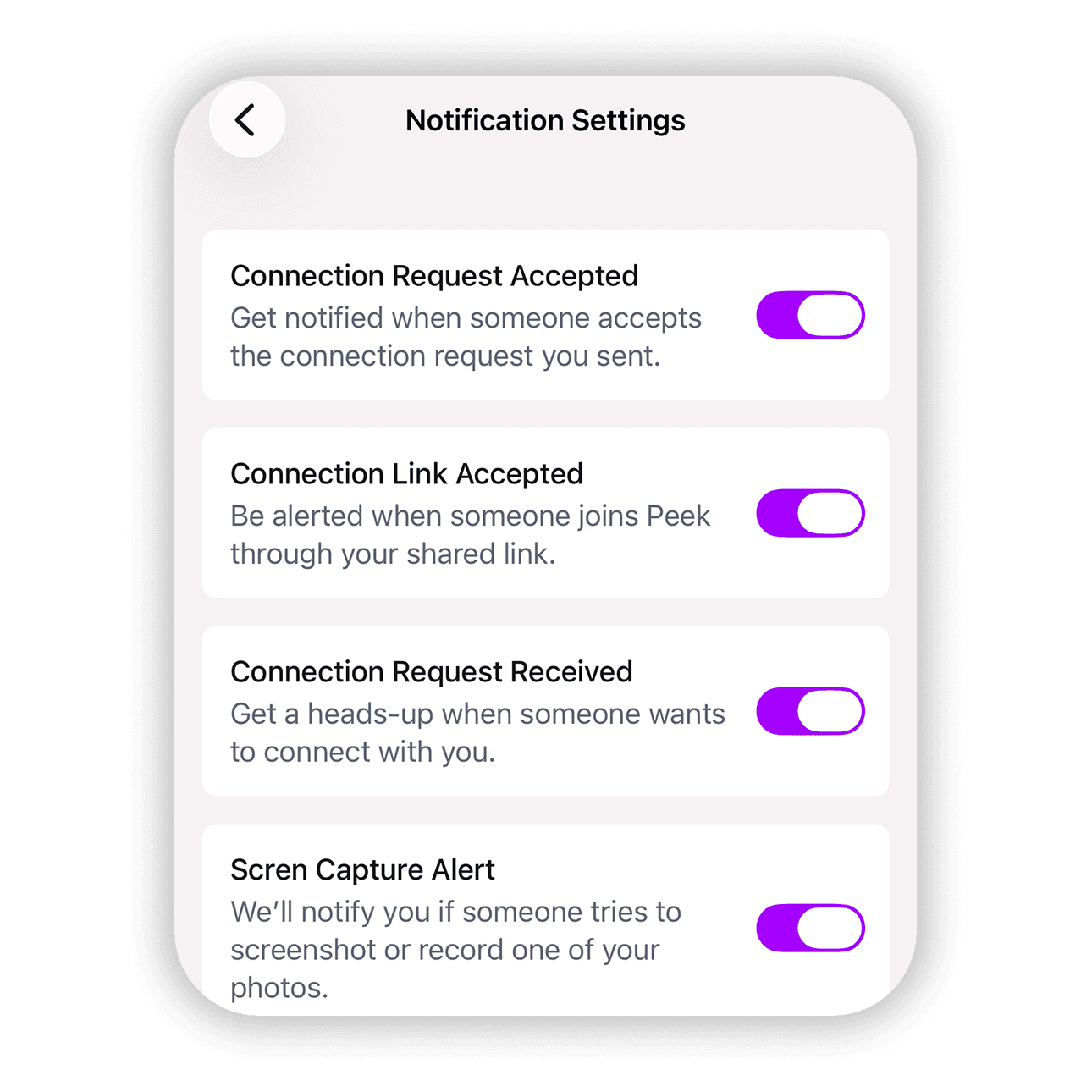
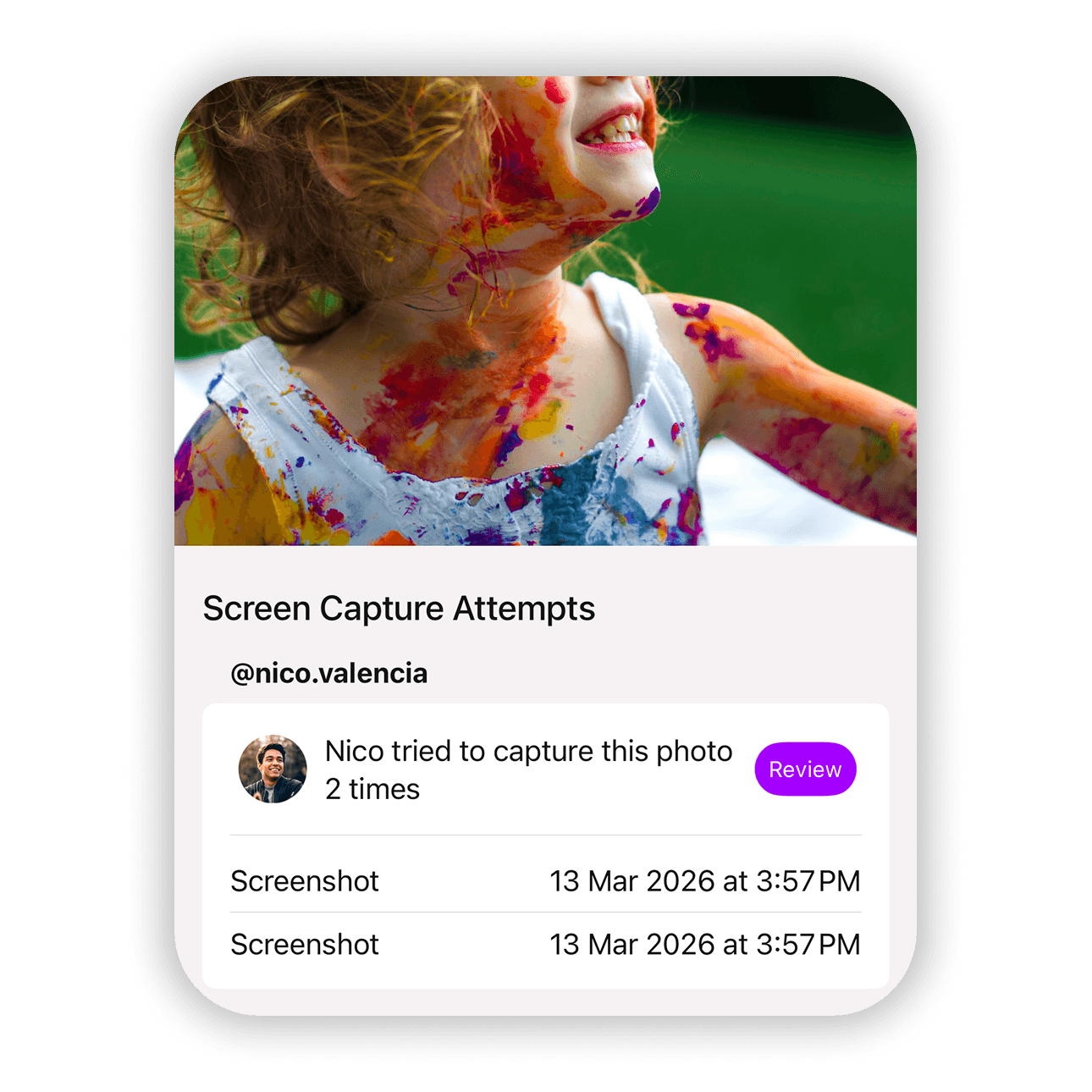
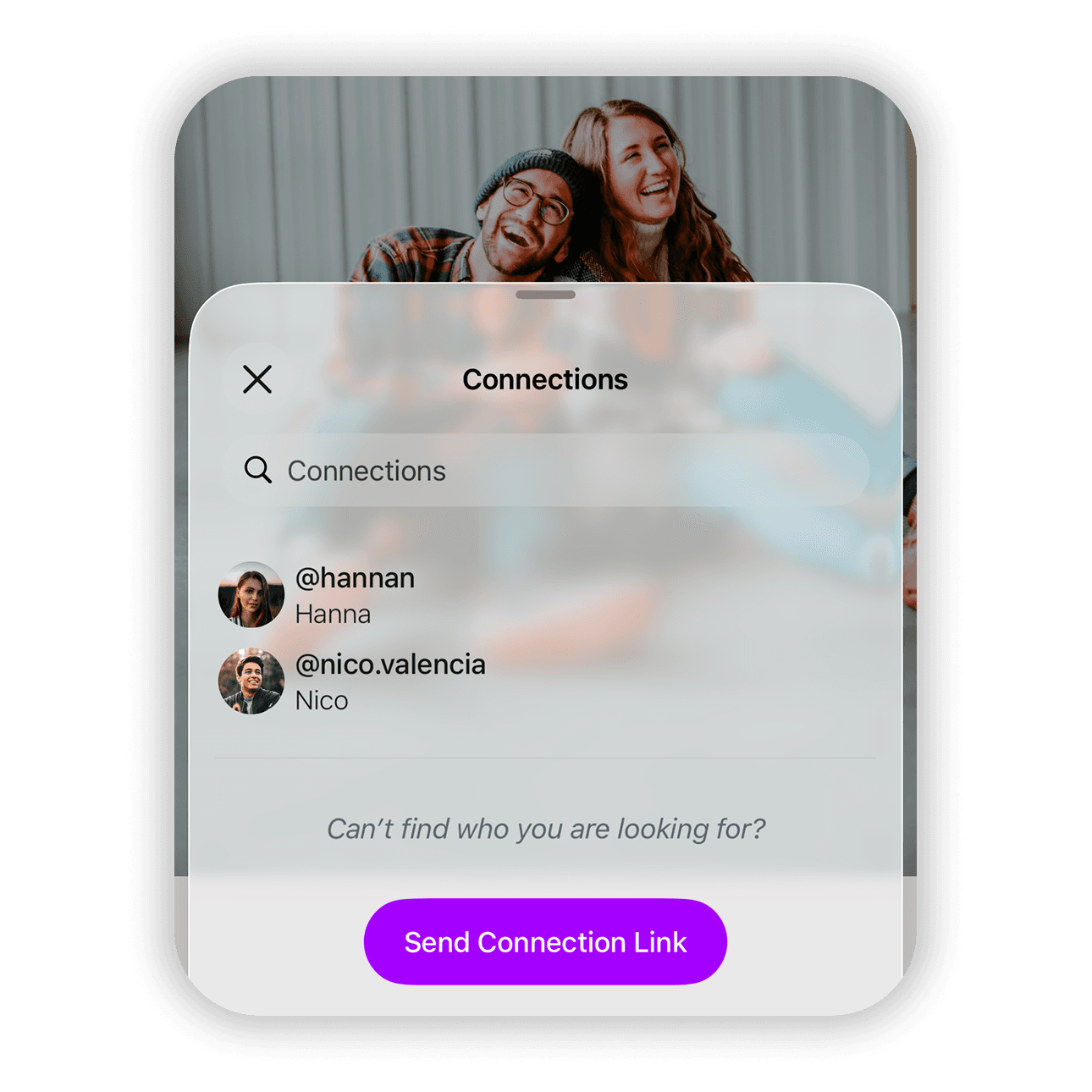
Peek keeps you informed when something important happens around your photos. You can receive alerts when someone sends a connection request, when someone shares a photo with you, or when a screenshot attempt is detected. Notification preferences let you decide which events deserve your attention and which ones can stay quiet. With a few taps you can tailor alerts so Peek only notifies you about the things that matter most to you.