What happens if someone screenshots a photo you shared

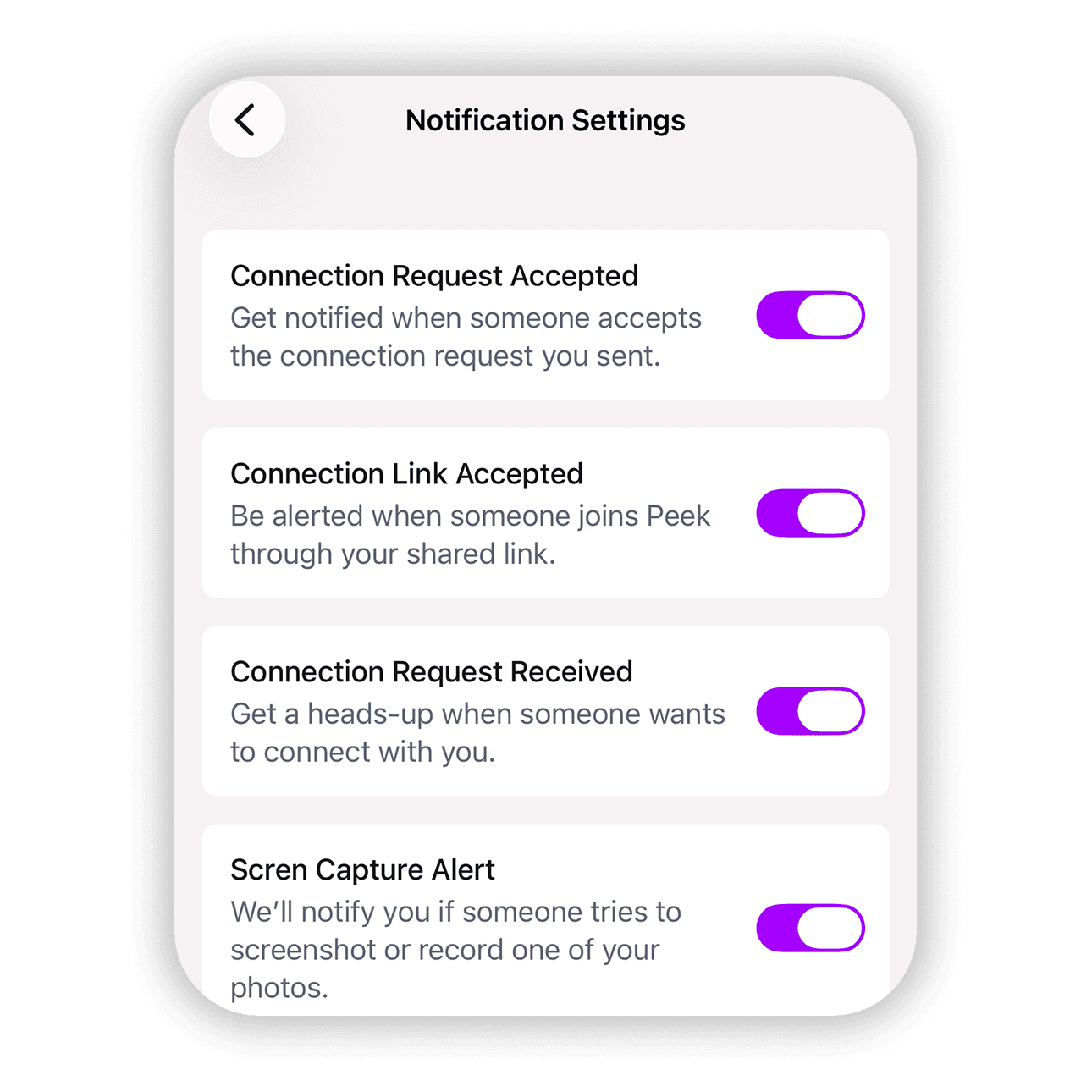
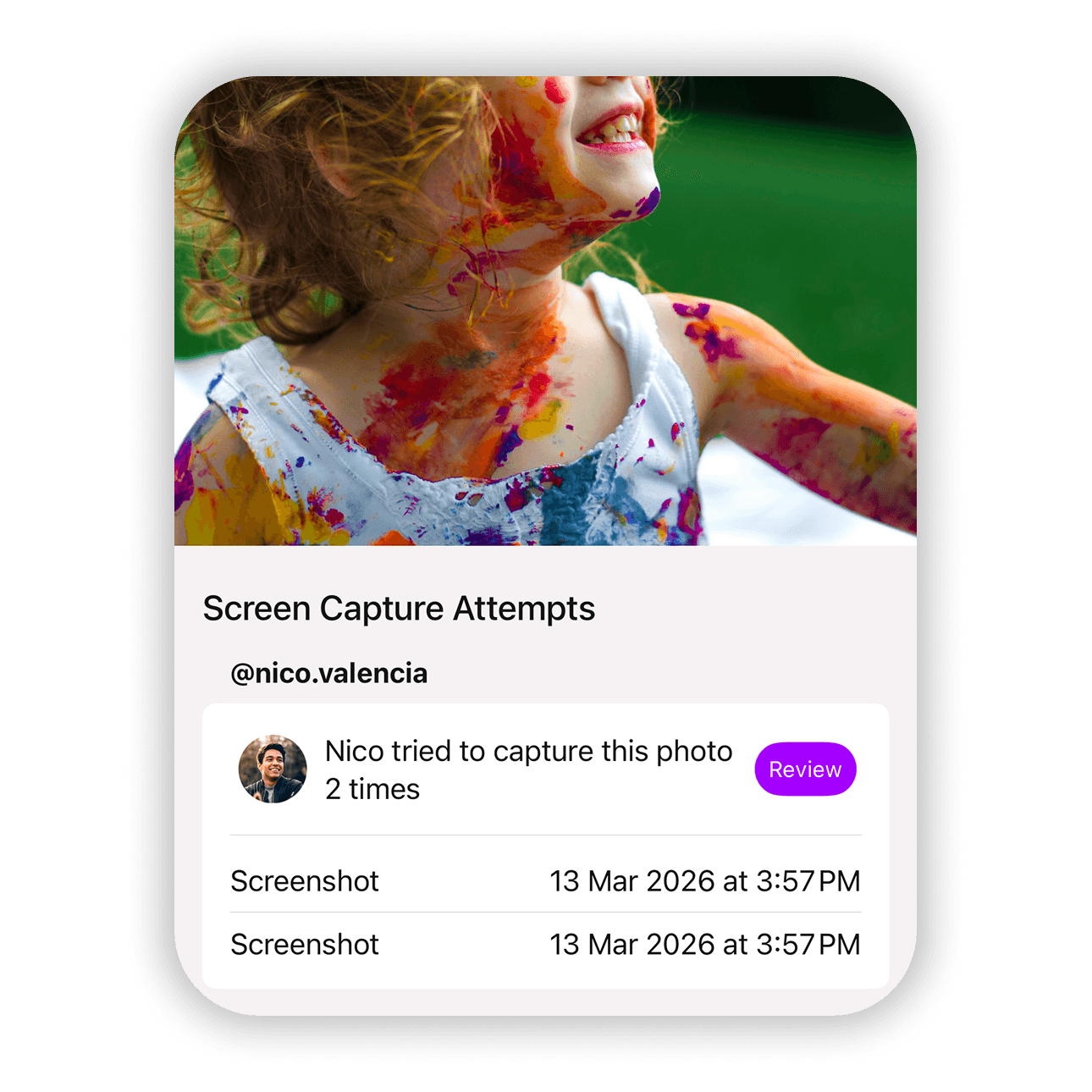
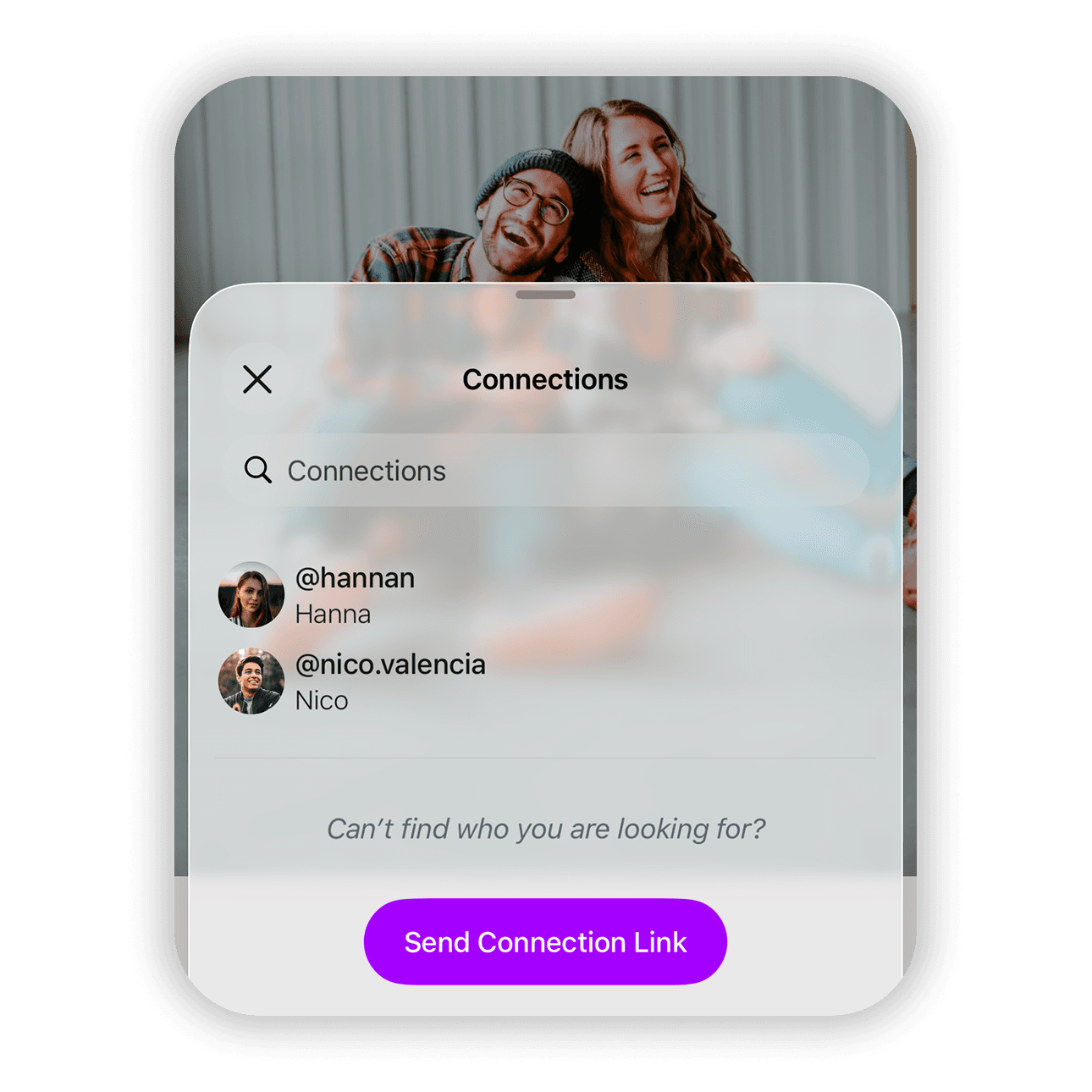
Peek protects your photos even after you share them. If someone tries to take a screenshot of a photo you shared, the attempt is blocked before the image is captured. The photo is hidden at the exact moment the screenshot is taken so the saved image does not contain your media. At the same time you receive an alert that tells you who tried to capture the photo, which photo they tried to copy, and when it happened. From there you can review the attempt and decide how to respond. You can revoke access to the photo, remove the connection, or block the person entirely.
Screenshot protection
← Back to help

Check screenshot attempts for a specific photo:

  1. Open the photo you want to review
  2. Tap the information icon ⓘ
  3. View the Screen Capture Attempts section if any attempts exist
  4. Tap the alert icon if the section is not visible

View all screenshot attempts across your photos:

  1. Go to your account tab
  2. Scroll to Screen Capture
  3. Tap Alerts
  4. Tap any alert in the list
  5. Tap Review
  6. Choose Revoke Access to remove the photo from that person
  7. Choose Remove Connection to disconnect from that user
  8. Choose Block to prevent that person from interacting with you

This visibility helps you decide how to protect your privacy moving forward. Knowing who is trying to copy your photos gives you the ability to act quickly and maintain control over what you share.