Privacy & Security
How to Protect and Secure Photos on Your iPhone
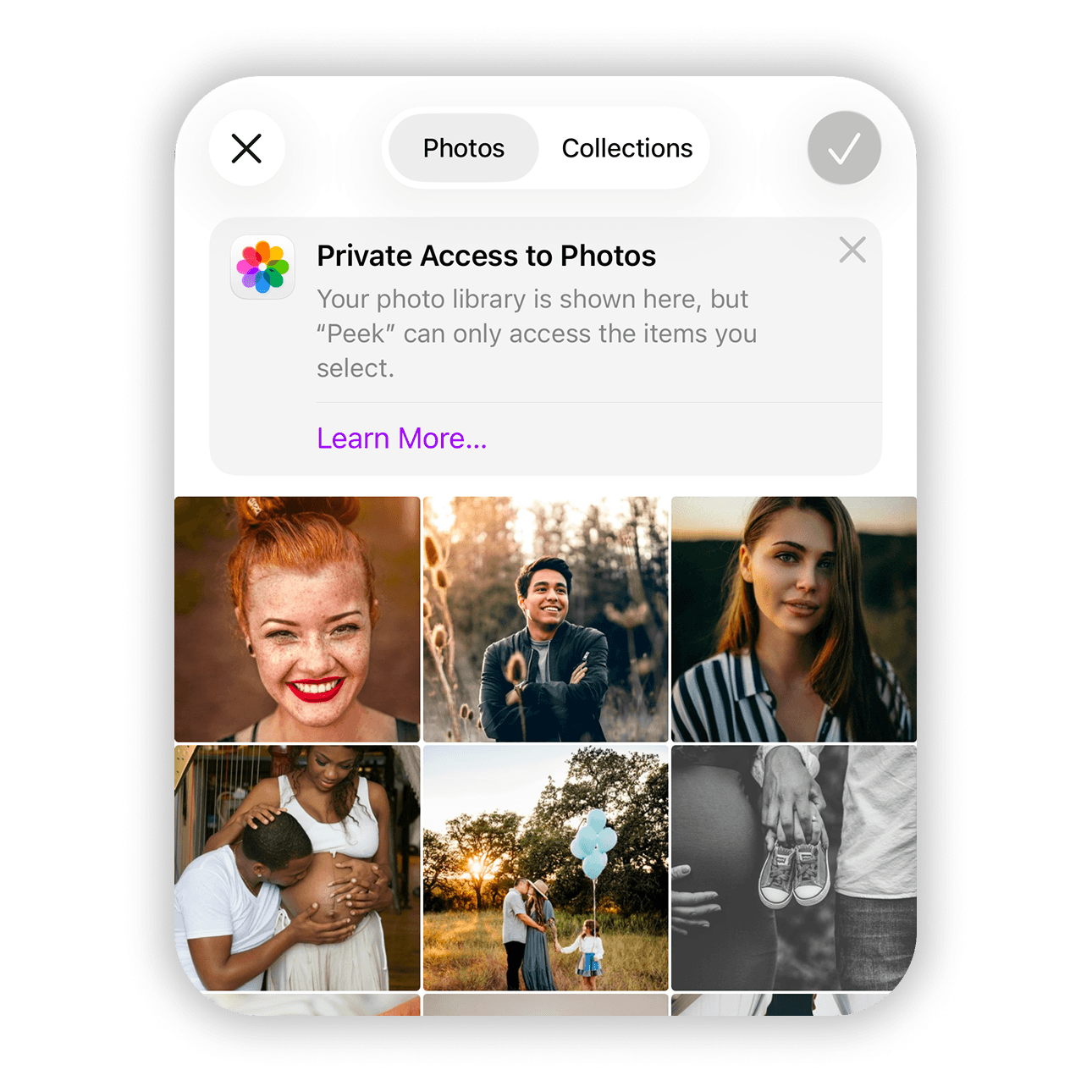
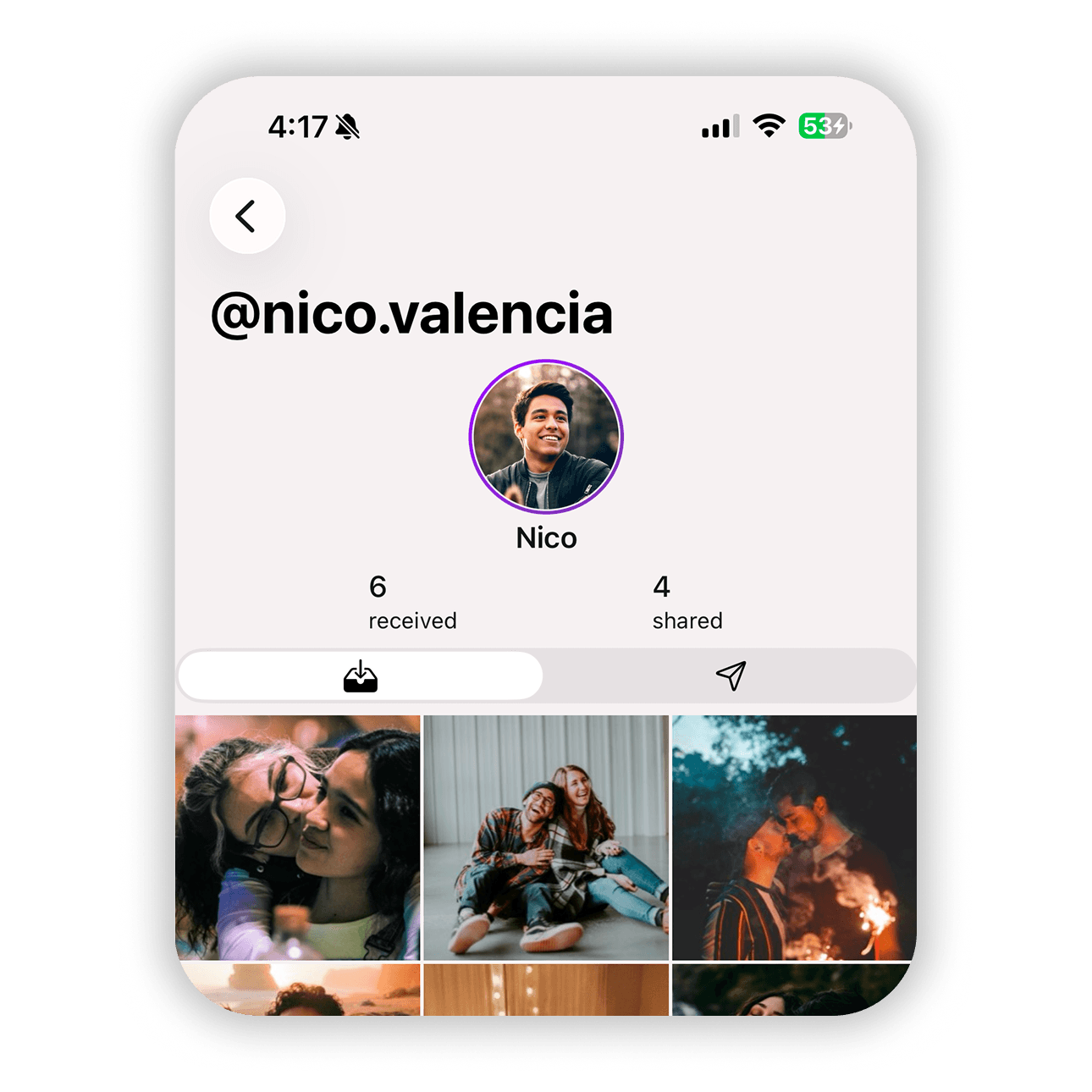
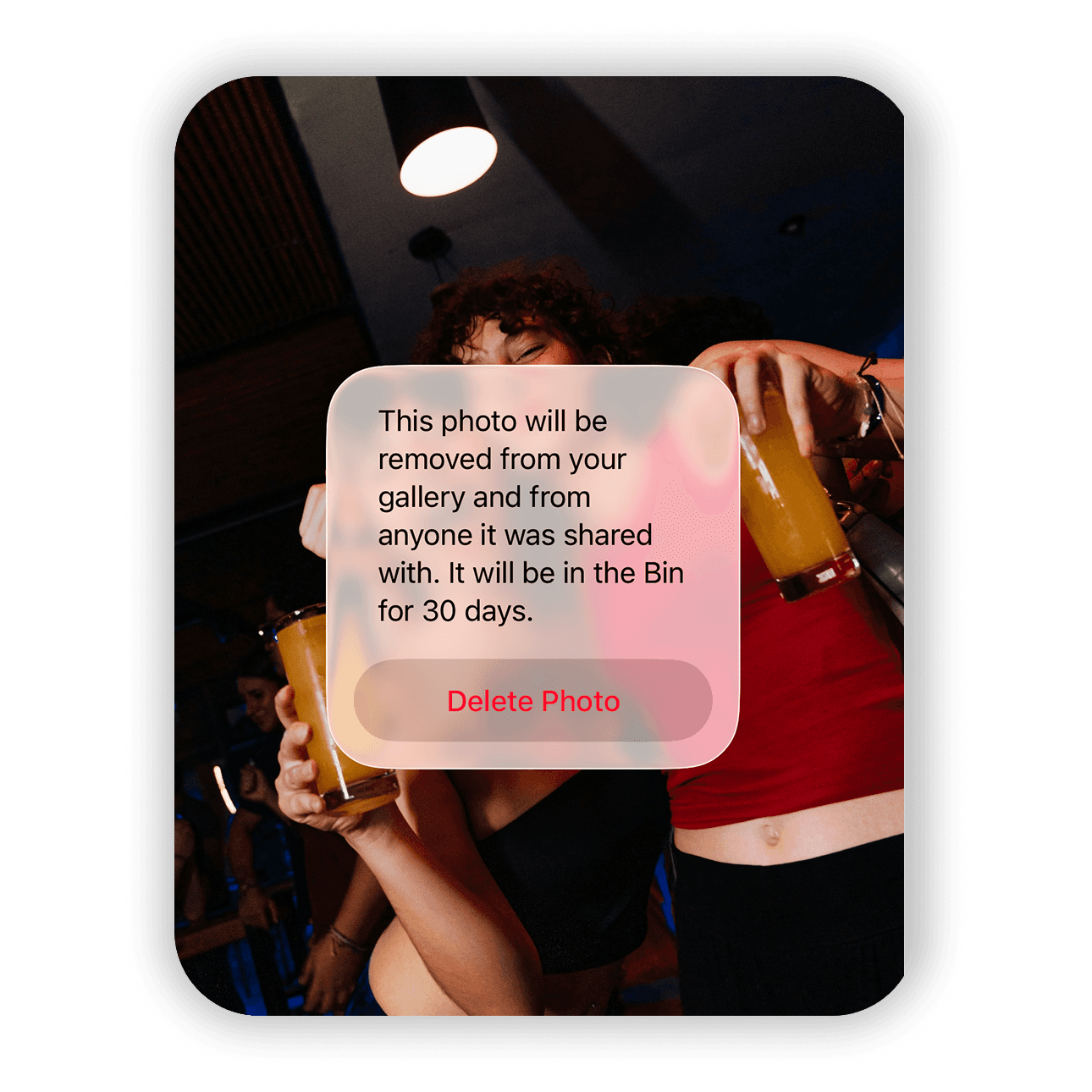
Many photos on our phones are personal. They can include intimate moments with a partner, private memories, sensitive documents, our children's milestones, or simply images you do not want floating around the internet or being accessed by the wrong person. Peek gives you a way to keep those photos protected while still letting you share them with people you trust. When you upload photos to Peek, they are encrypted directly on your device before they leave your phone. That means only you and the people you choose can access them.