See Photos You Shared With Someone and Photos They Shared With You

Peek keeps every shared moment connected to the people you trust. When you open a connection, you can instantly see the photos you shared with them and the ones they shared with you. This makes it easy to revisit memories together and stay aware of who has access to your private photos so you can decide how much of your life you want to share.
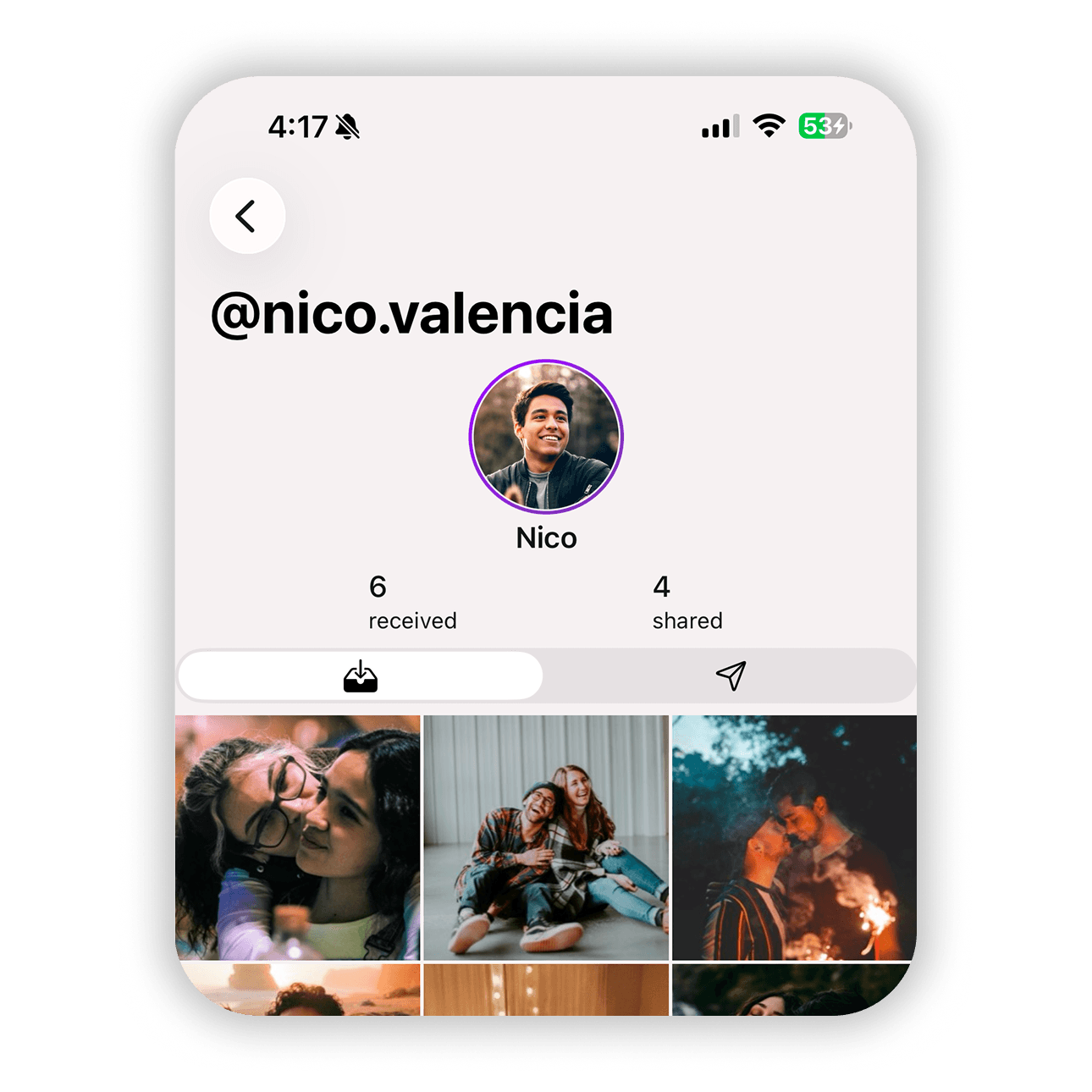

Shared photos with connection
← Back to help
  1. Open Peek on your iPhone
  2. Go to the "For You" tab
  3. Scroll to the "Your circle" section
  4. Tap the person whose shared photos you want to view
  5. Browse the "Shared" section to see photos you sent to them
  6. Browse the "Received" section to see photos they shared with you

Photos are grouped into two sections. Shared shows everything you sent to that person. Received shows the photos they shared with you. This makes it easy to understand your shared history and review what access each connection has to your photos.