Getting Started
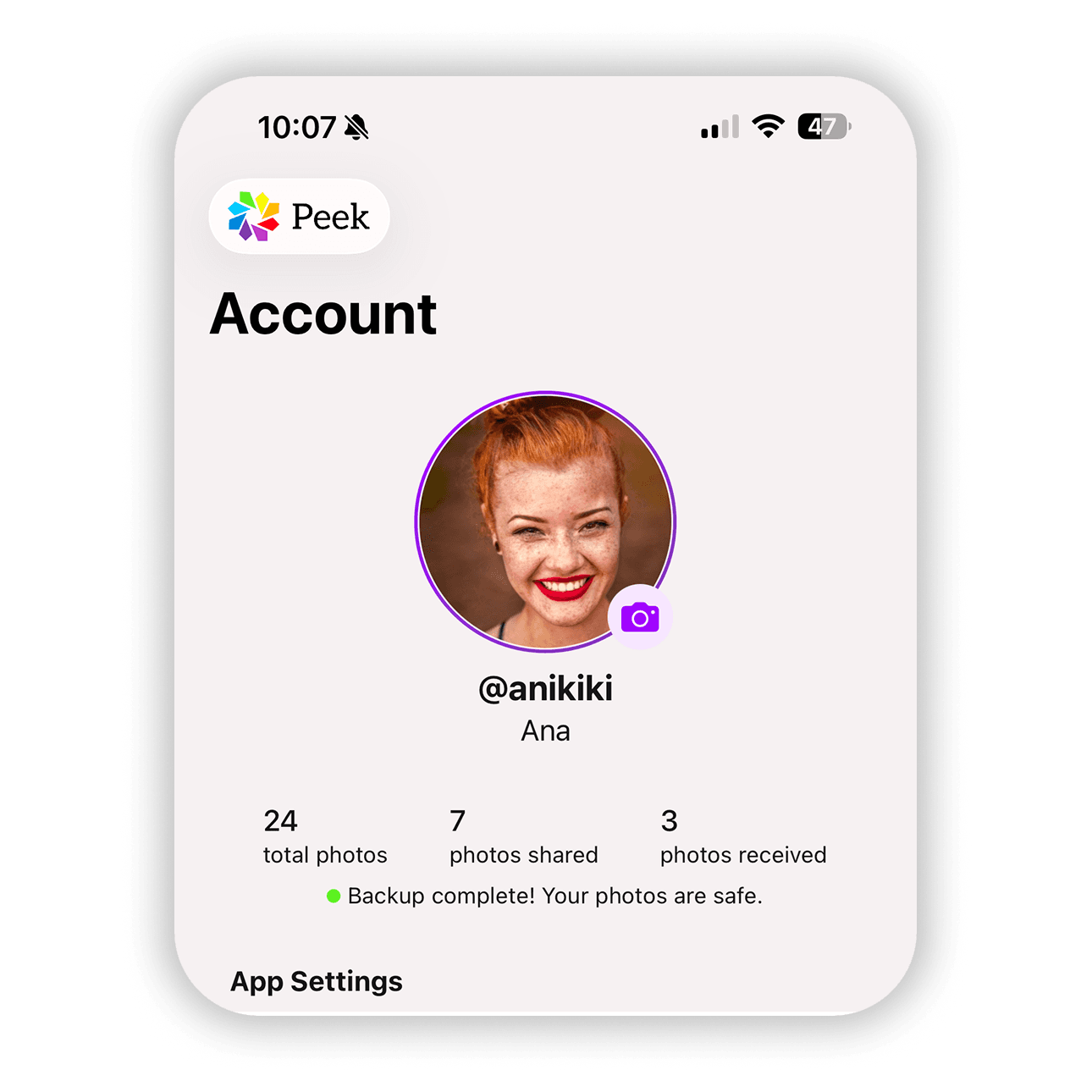
Adding a Profile Photo to Your Account for Easier Identification
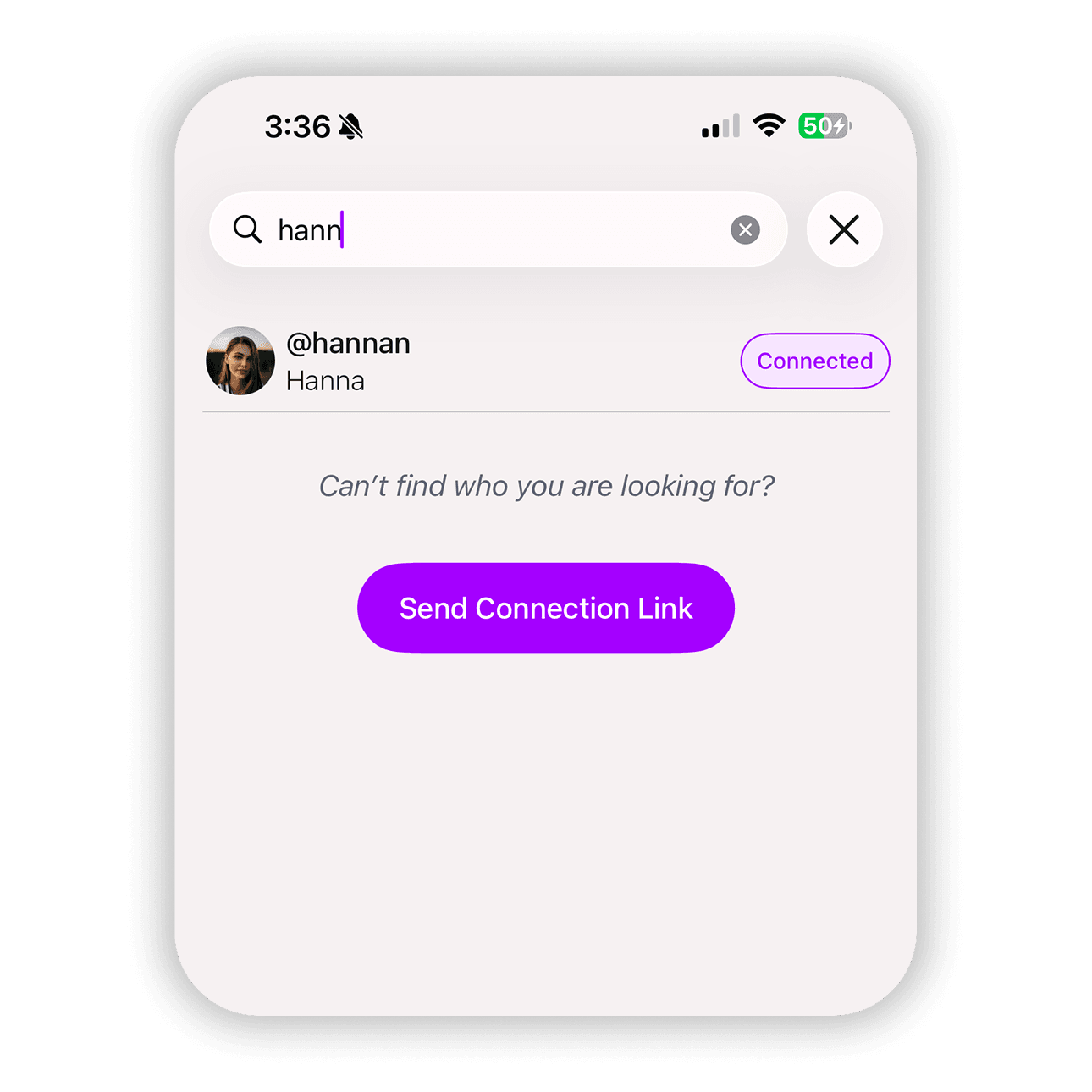
Adding a profile photo in Peek helps people recognize you instantly. When someone searches for your handle or looks through shared connections, your profile photo makes it clear who they are interacting with. It also makes it easier to organize shared photos with the right person, especially when you have multiple connections. Peek lets you quickly set a profile photo from your camera or your photo library so your account feels more personal and easier to find.