How to Connect With Someone Privately Before Sharing Photos

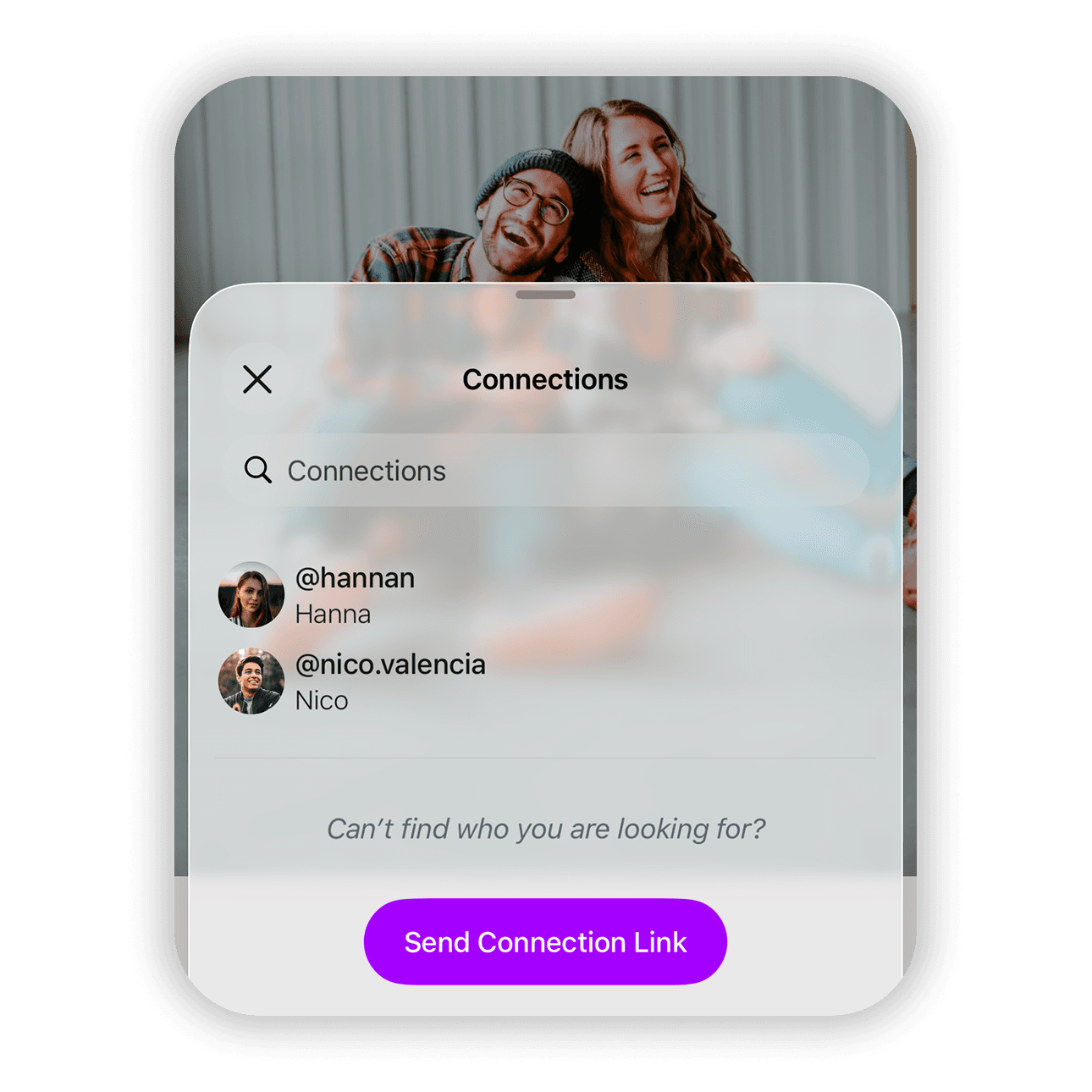
Peek keeps your photos private by making sure only the people you approve can access them. Before sharing anything, both people must connect first. Searches are done by handle, which prevents random discovery and unwanted requests. Once connected, you decide exactly who can see your photos and when.
Connect with someone privately
← Back to help
  1. Open the "For You" tab
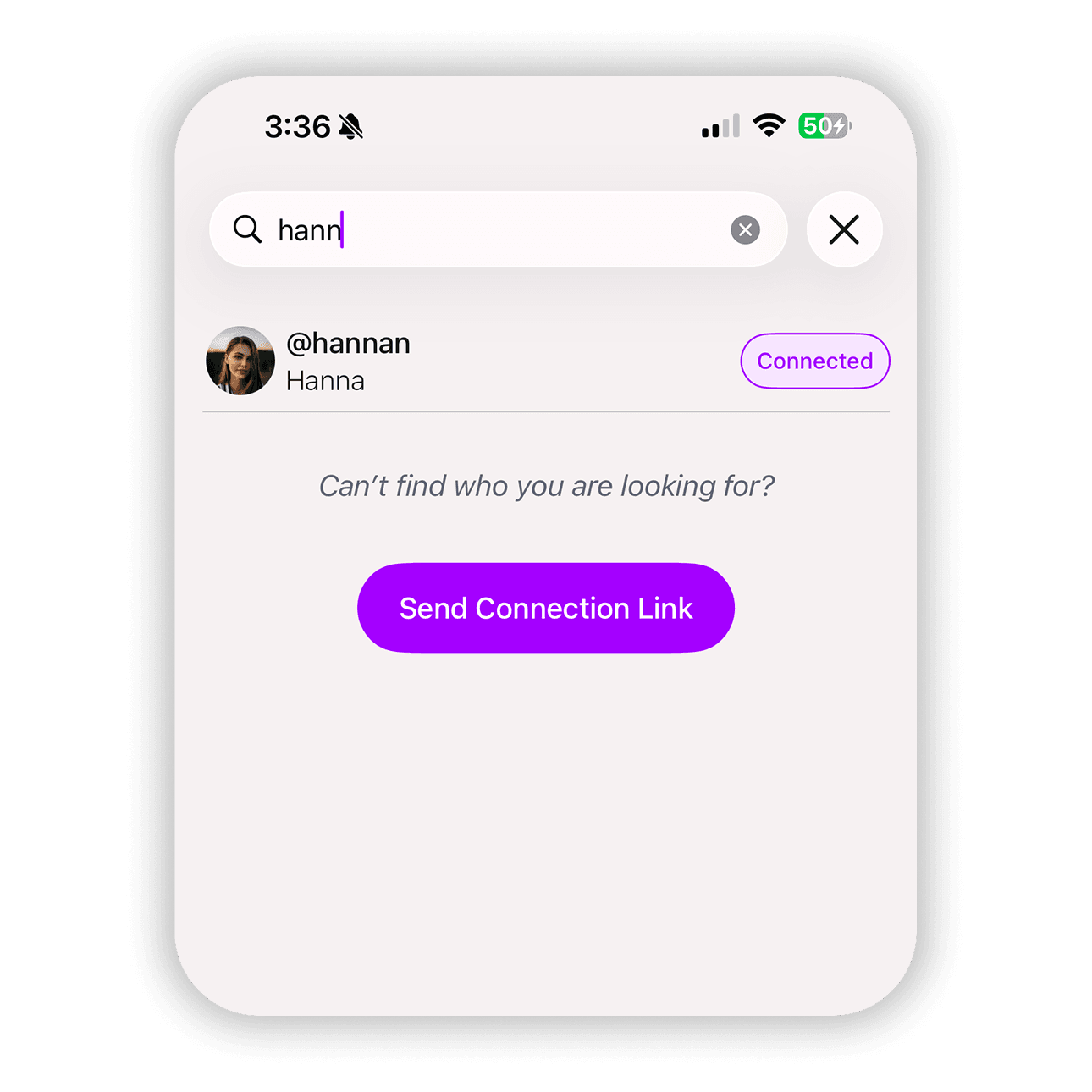
  2. Tap the accounts search field
  3. Enter the handle of the person you want to connect with
  4. Find the correct person in the results
  5. Tap "Connect"

The other person receives a notification and can accept or deny the connection request.

If you change your mind, you can cancel the request anytime before it is accepted.

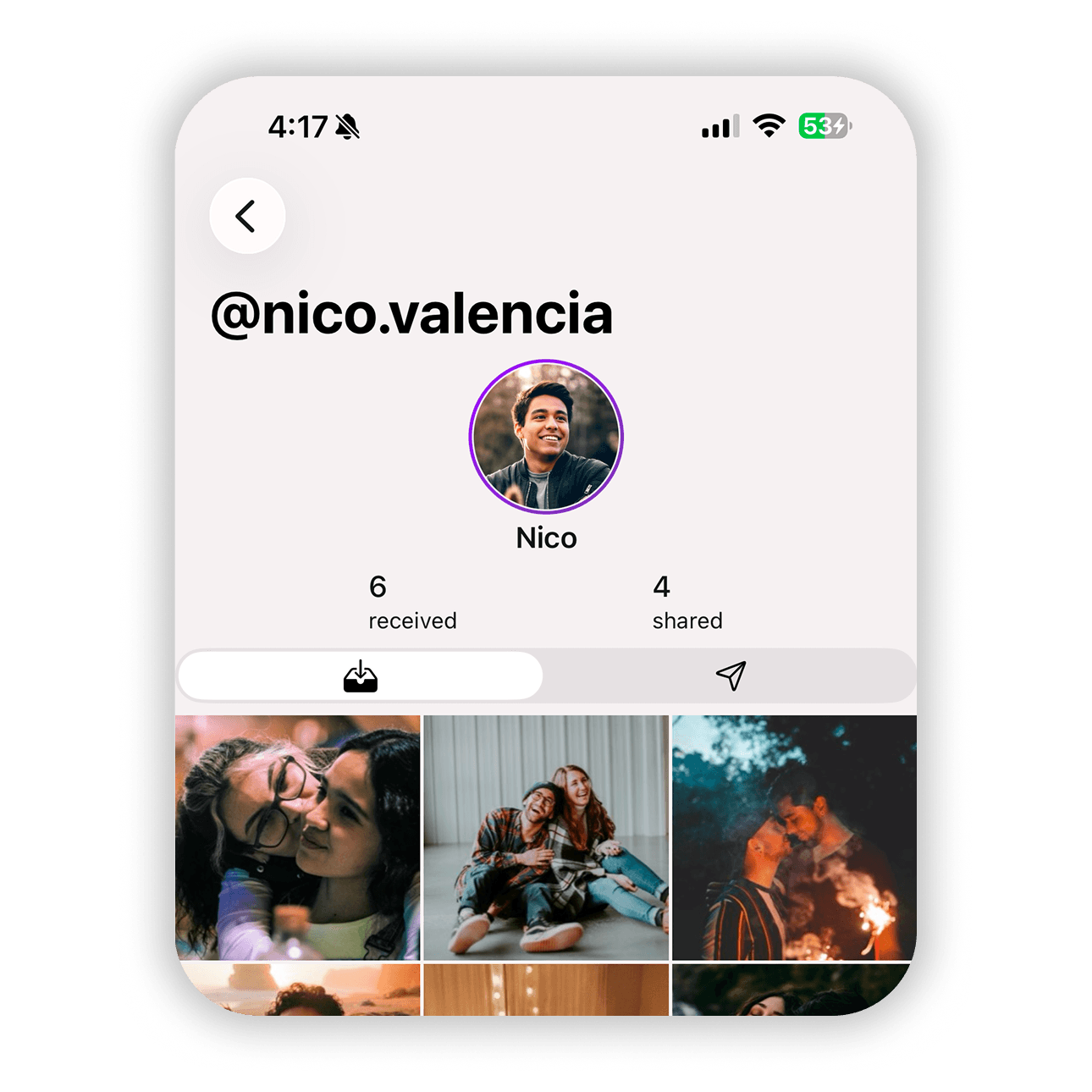
After connecting, you can start sharing photos privately.

If the person you want to connect with is not on Peek yet, send them a connection link so they can join and connect with you.