Sharing & Organization
Organize Photos Into Albums for Easier Access and Better Memories
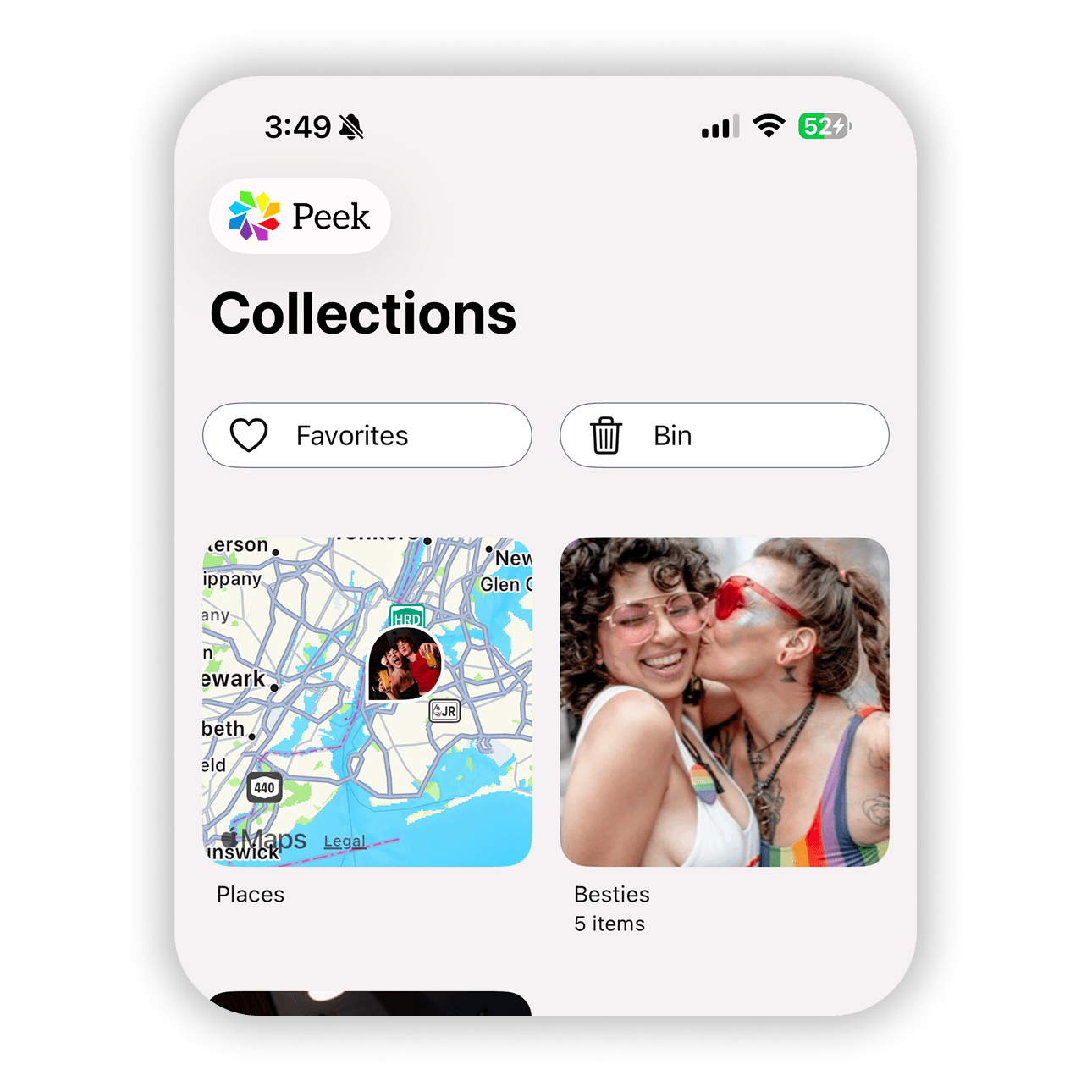
Photos often make more sense when grouped together by event, person, milestone, or theme. Creating albums in Peek helps keep meaningful moments organized so they are easier to find later. Whether it is a trip, a birthday, family memories, or private photos you want to keep separate, albums in Peek give you a simple way to keep everything structured while still protecting your privacy.